
 Business management for repair services
Run your repair business from your phone and computer with one account
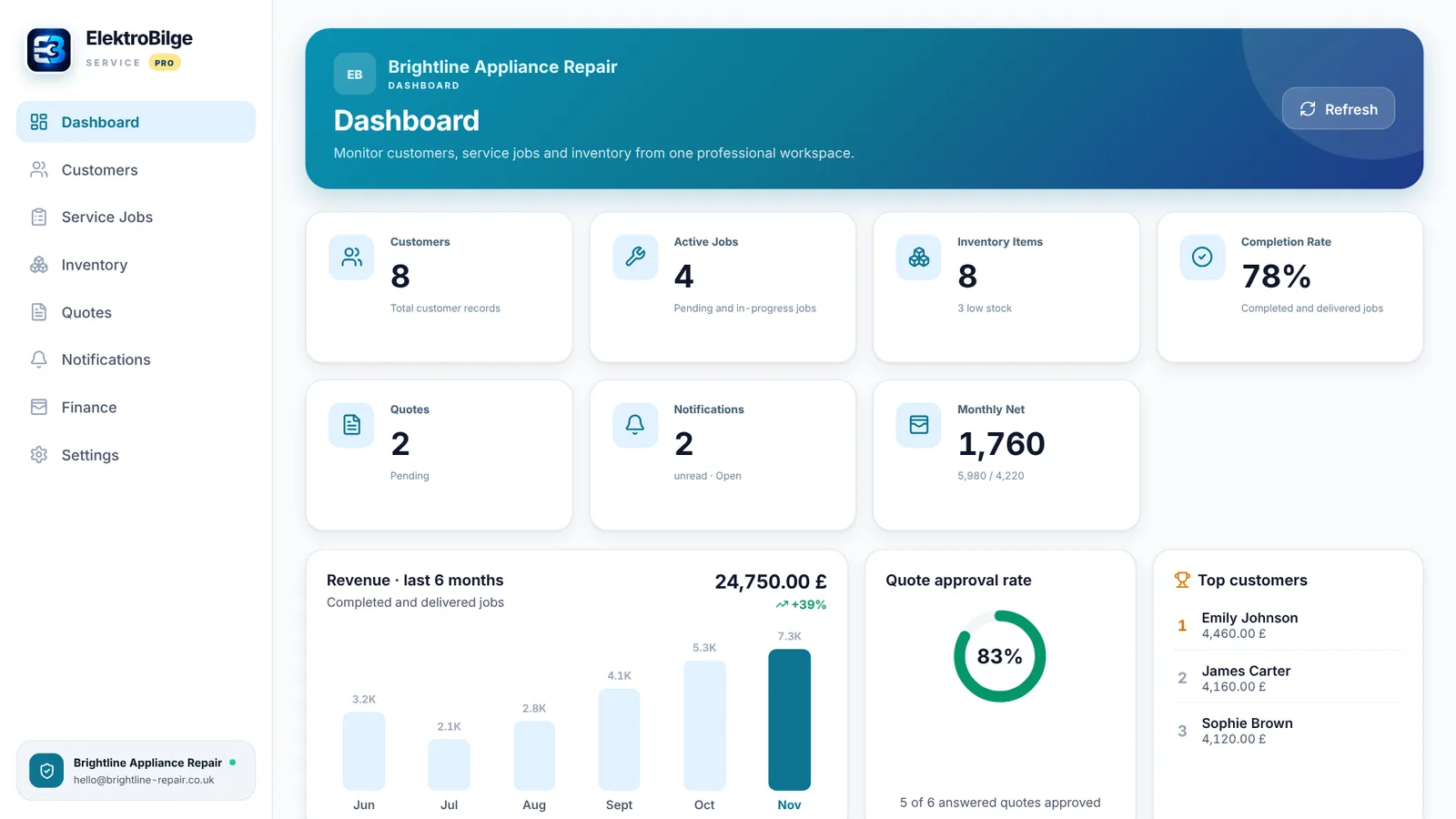
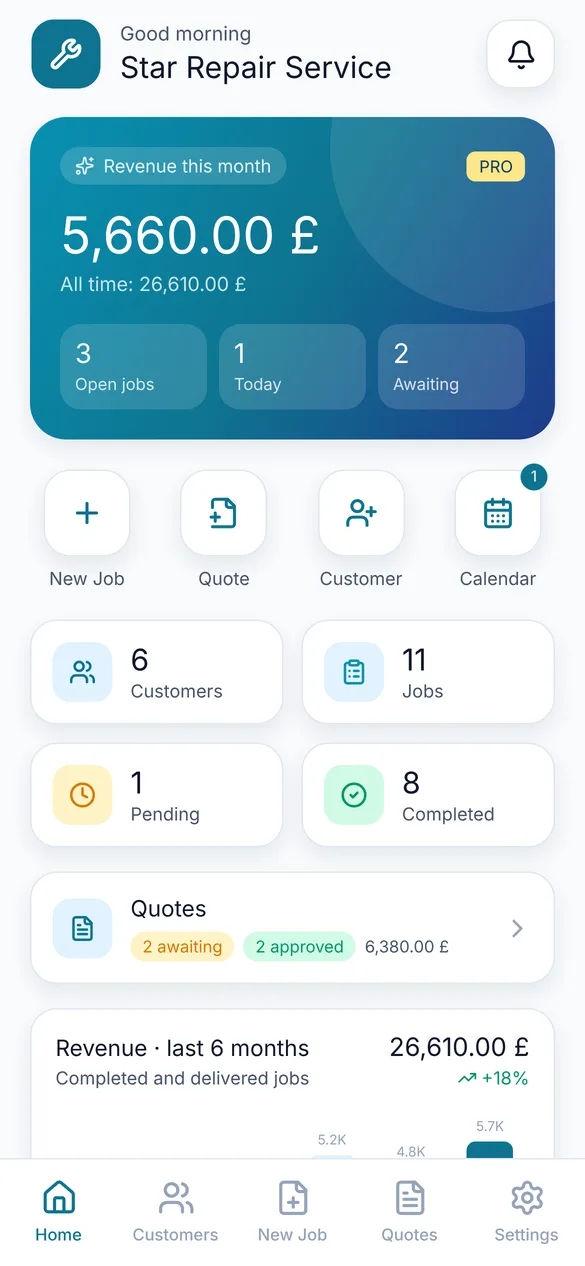
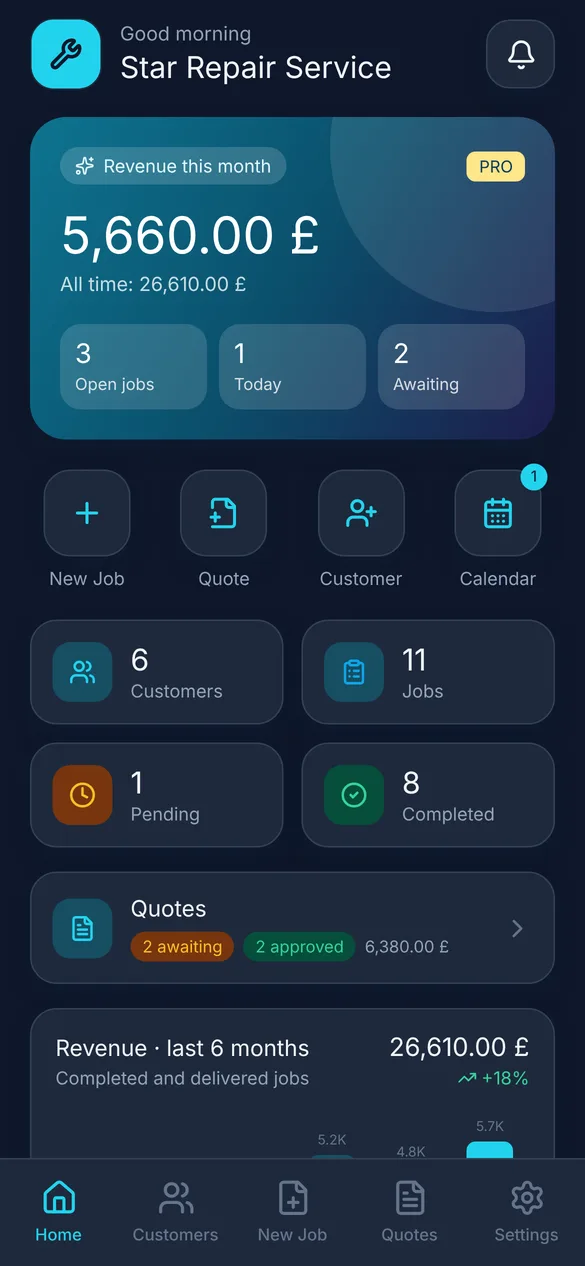
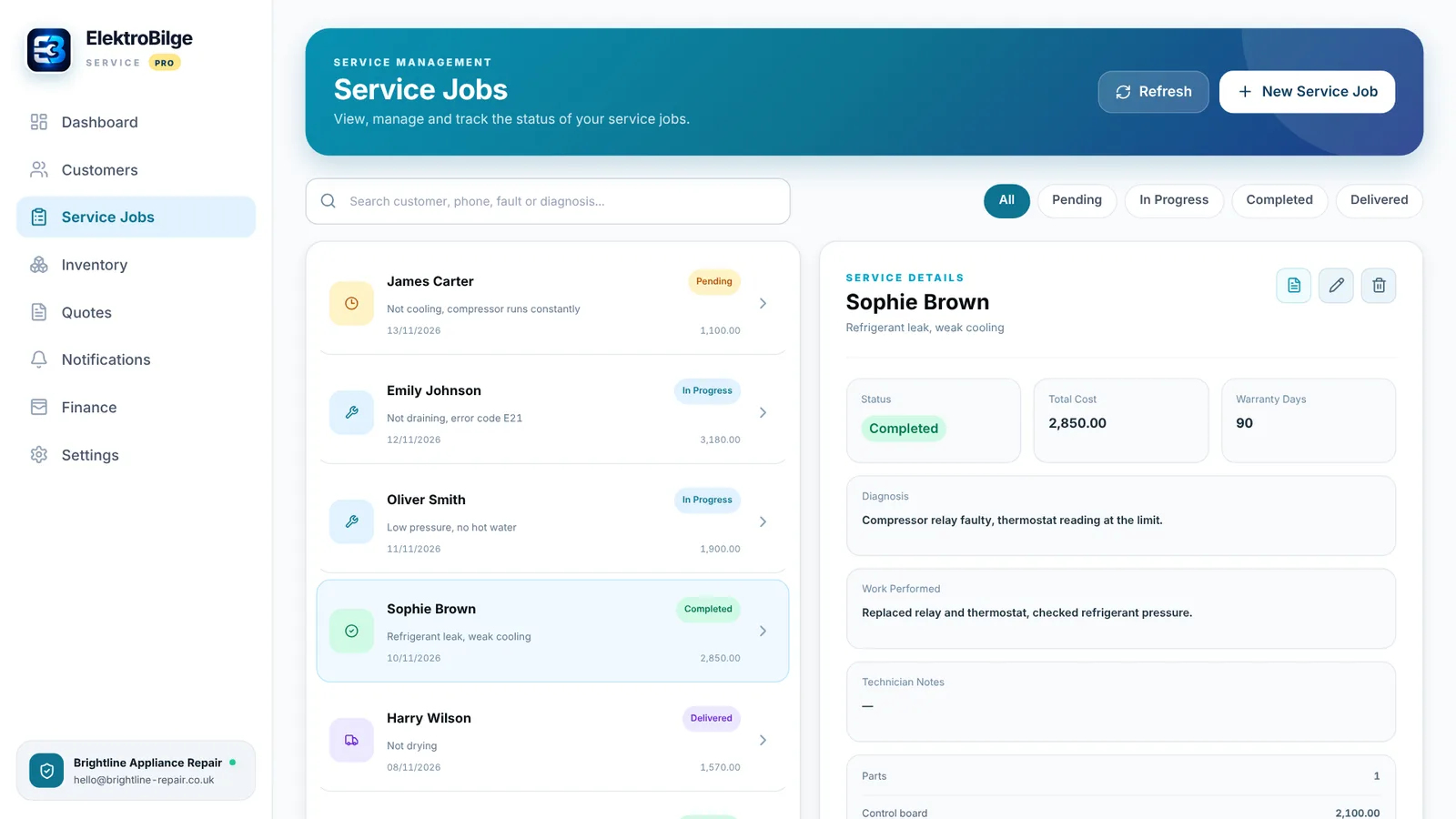
Customers, service jobs, quotes, PDF service reports and inventory in one app. A job you open on your phone in the field shows up on your office computer right away.
Where to download
The mobile app is free to download. The desktop app requires an active Pro membership, which you can purchase in the mobile app or the Mac app.
What you can do
Customers and devices
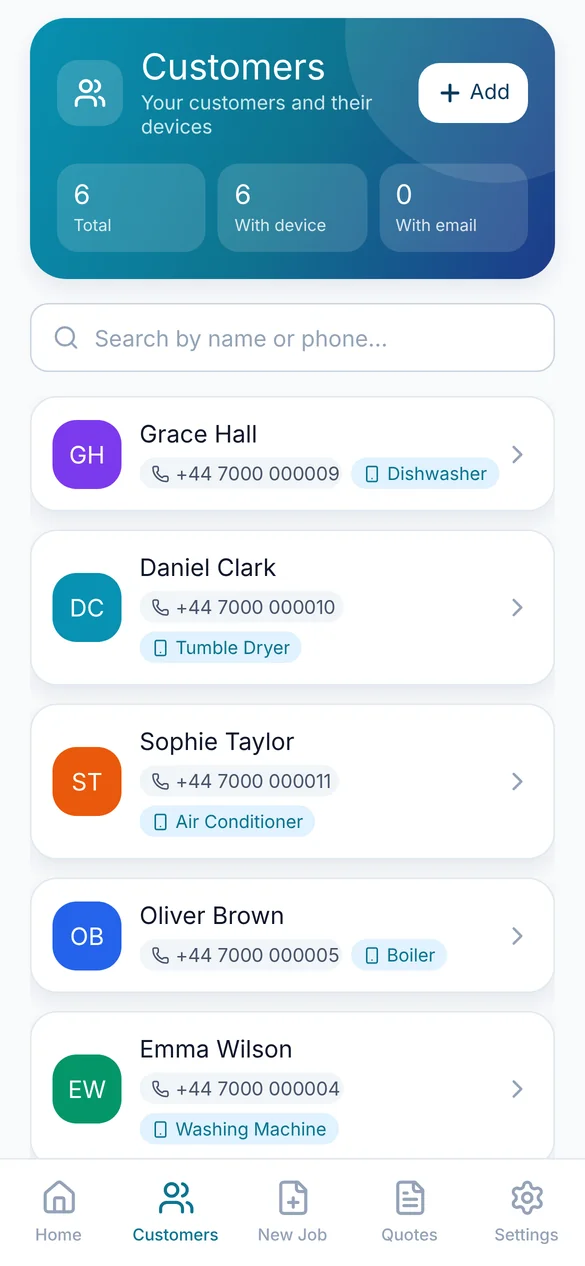
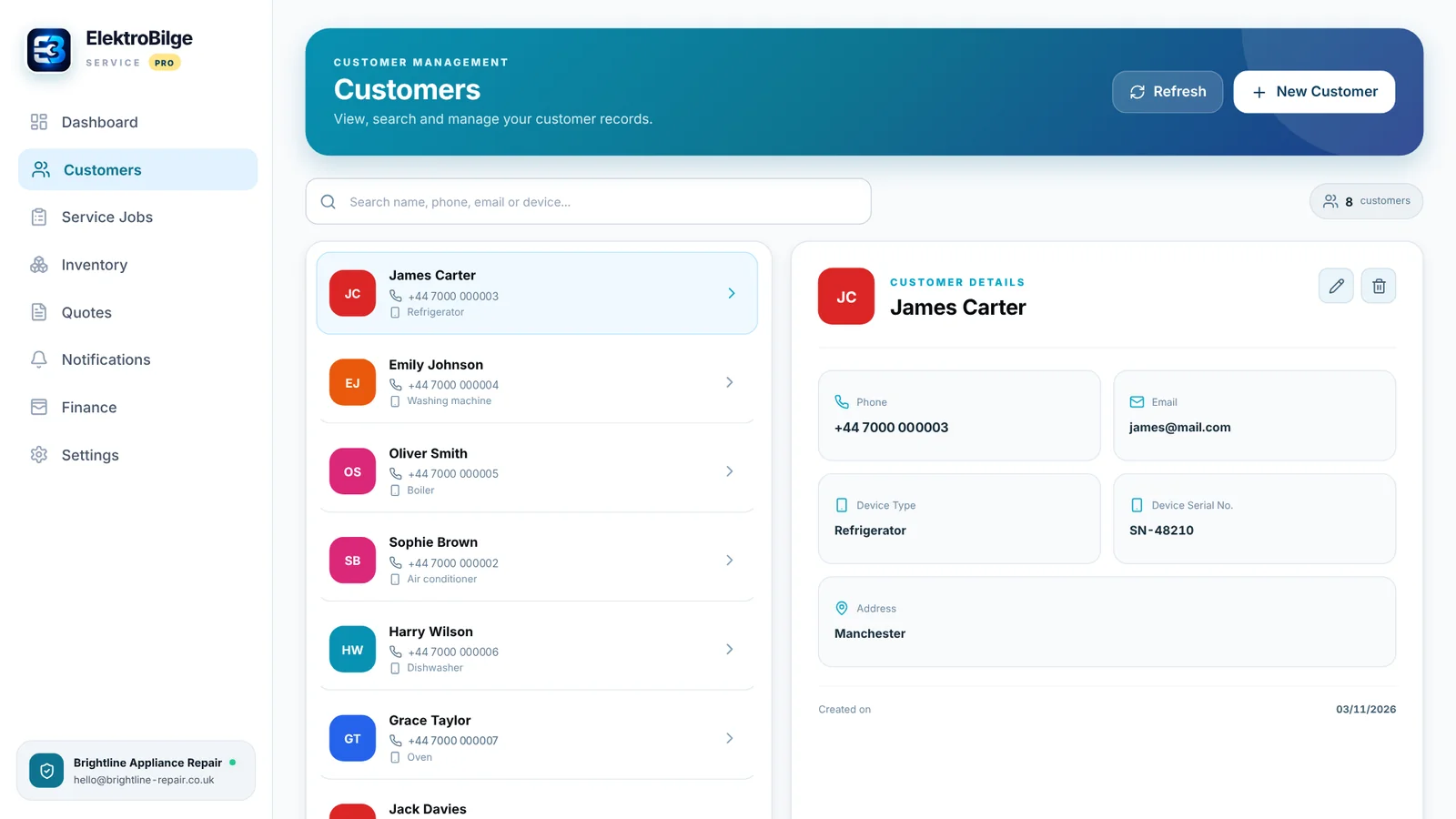
Contact details, device and serial number, and each customer's full service history.
Service jobs
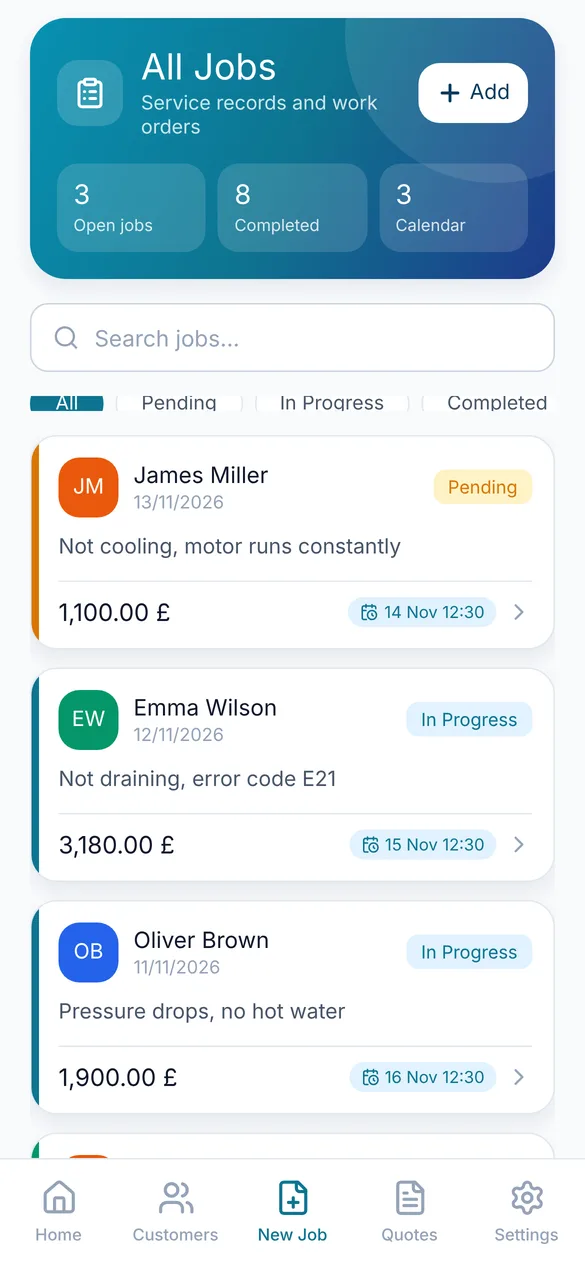
Fault, diagnosis, work performed, parts, warranty period and status tracking.
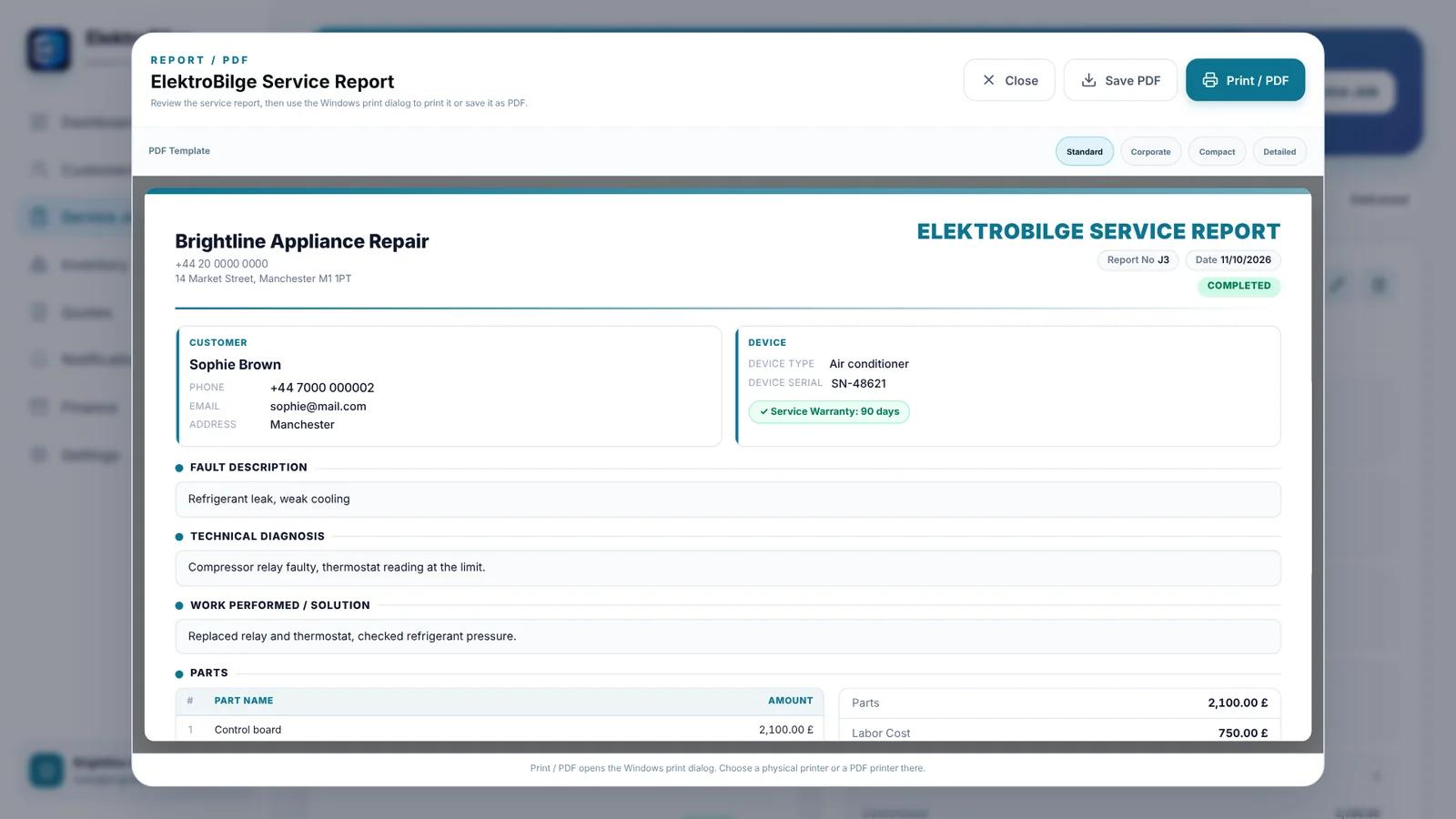
PDF service reports
Professional reports with your company logo; print, save or share them.
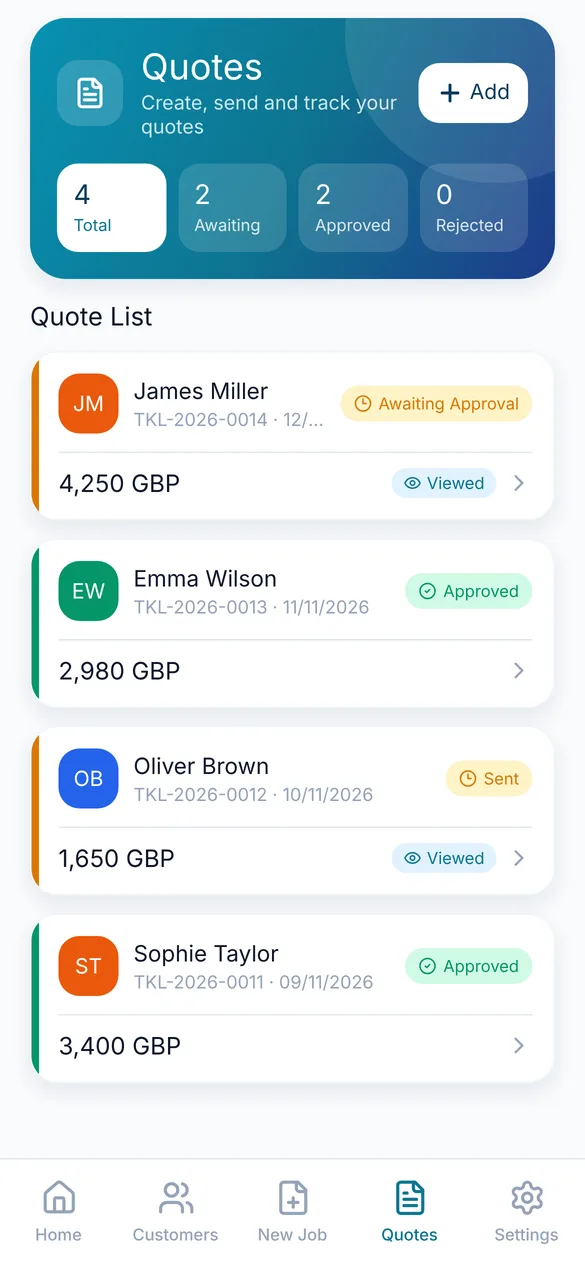
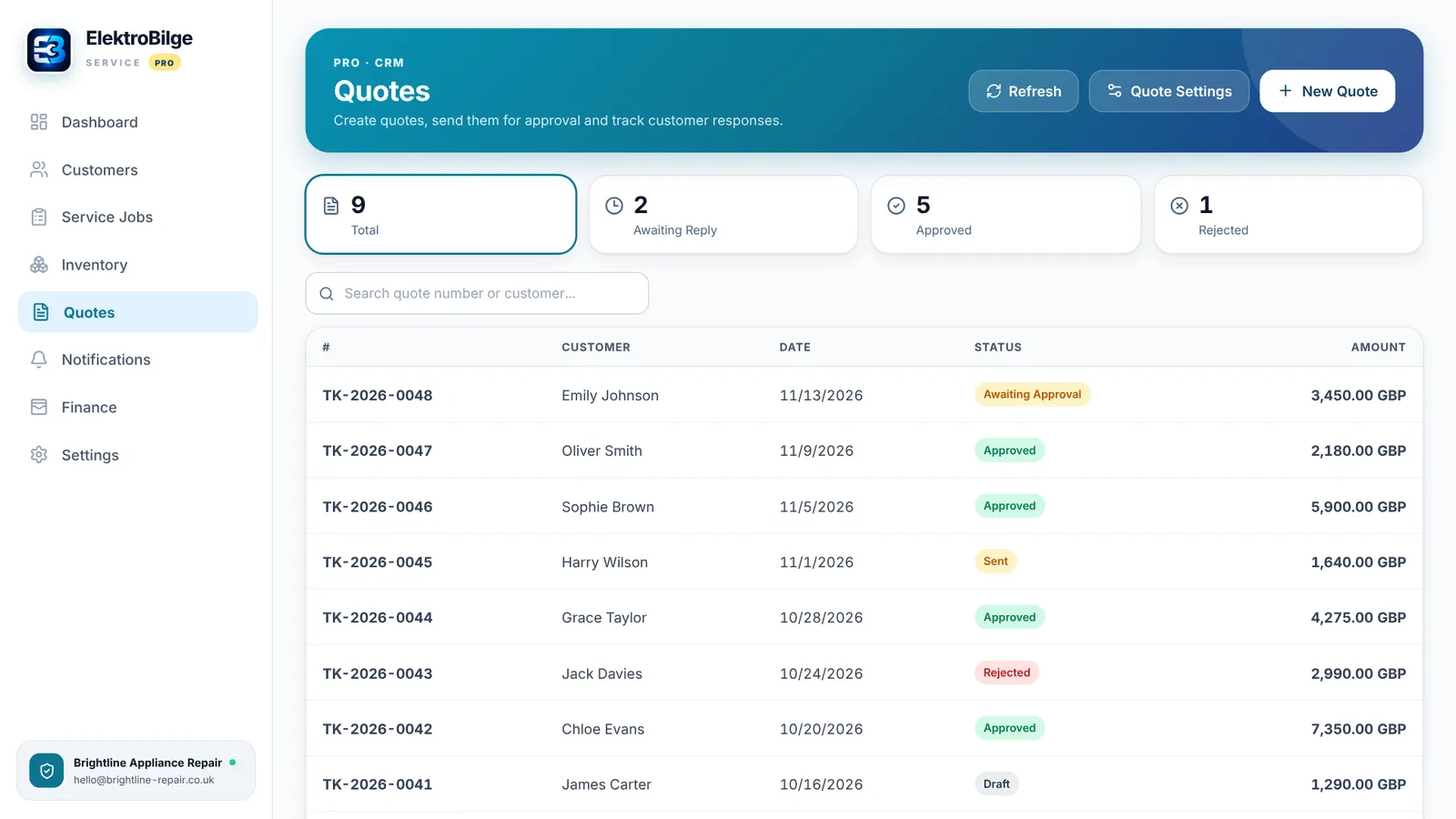
Quotes
Create numbered quotes, track customer approval and turn approved quotes into jobs.
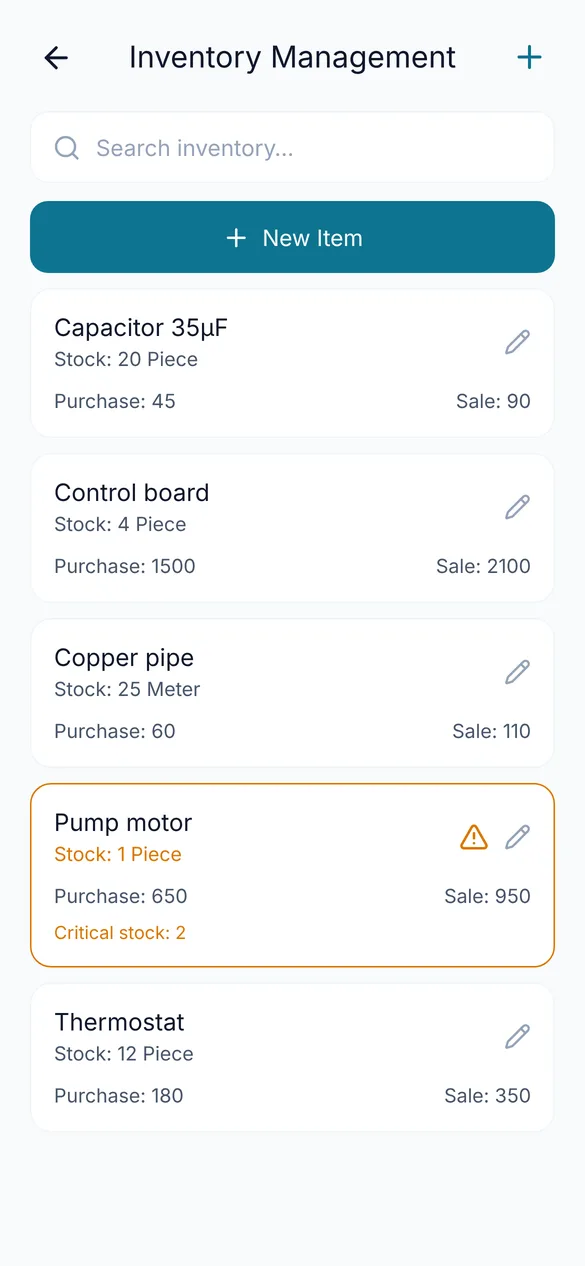
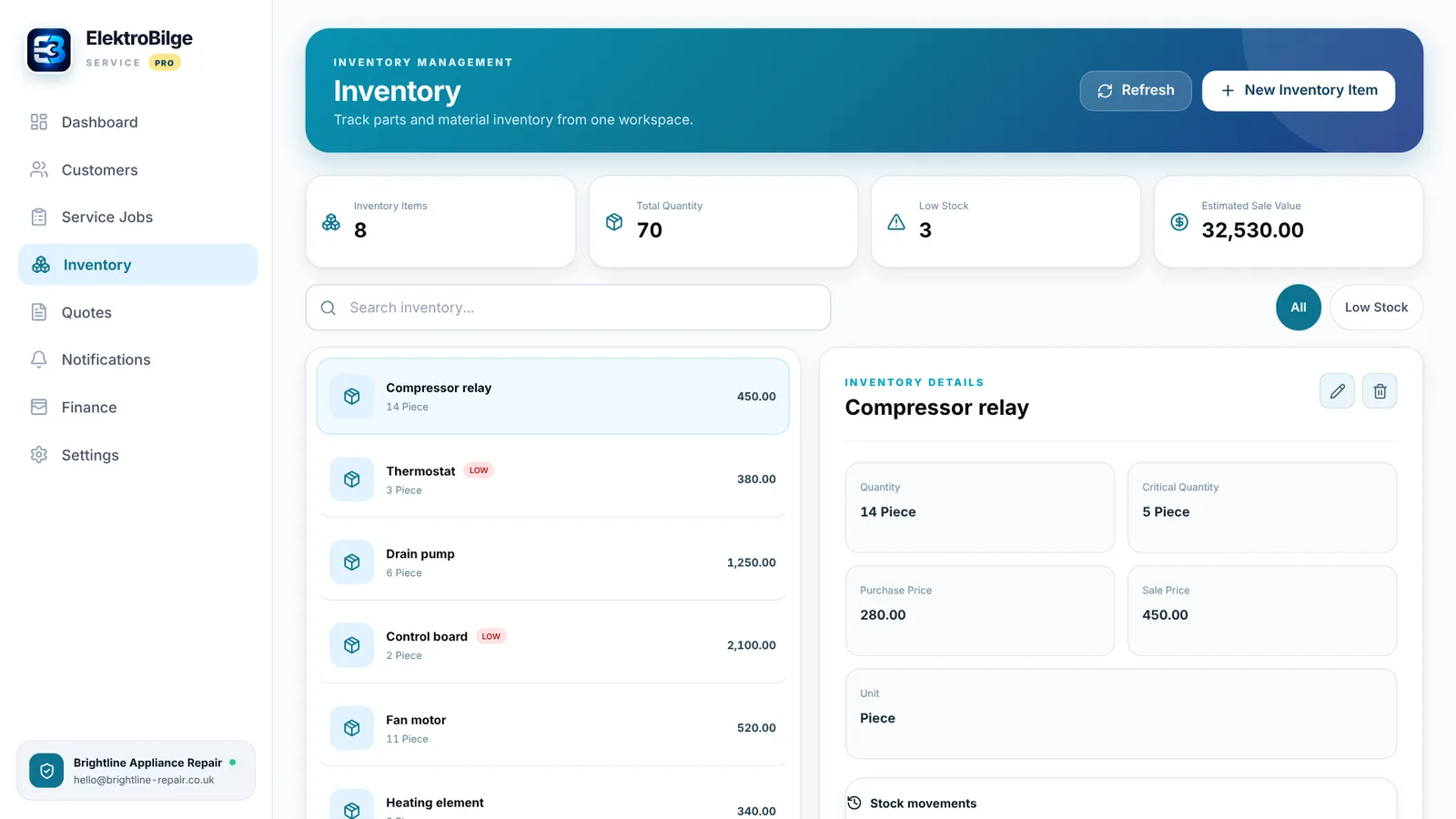
Inventory
Parts and materials stock, low stock alerts, and parts used on a job deducted from stock.
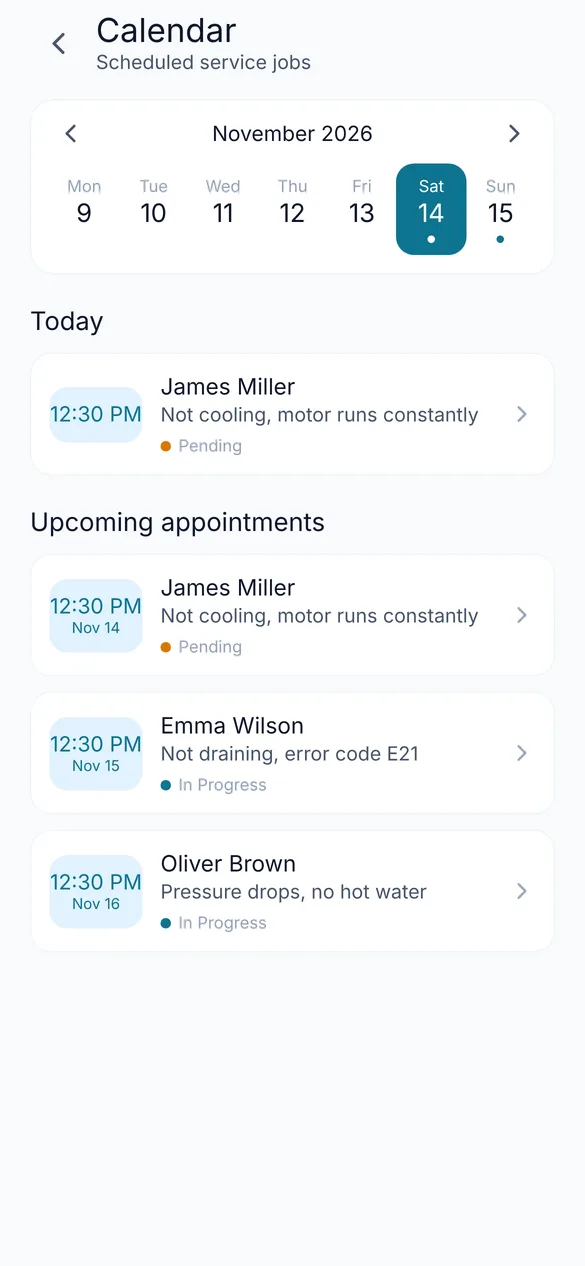
Calendar and appointments
See scheduled jobs day by day and never miss today's work.
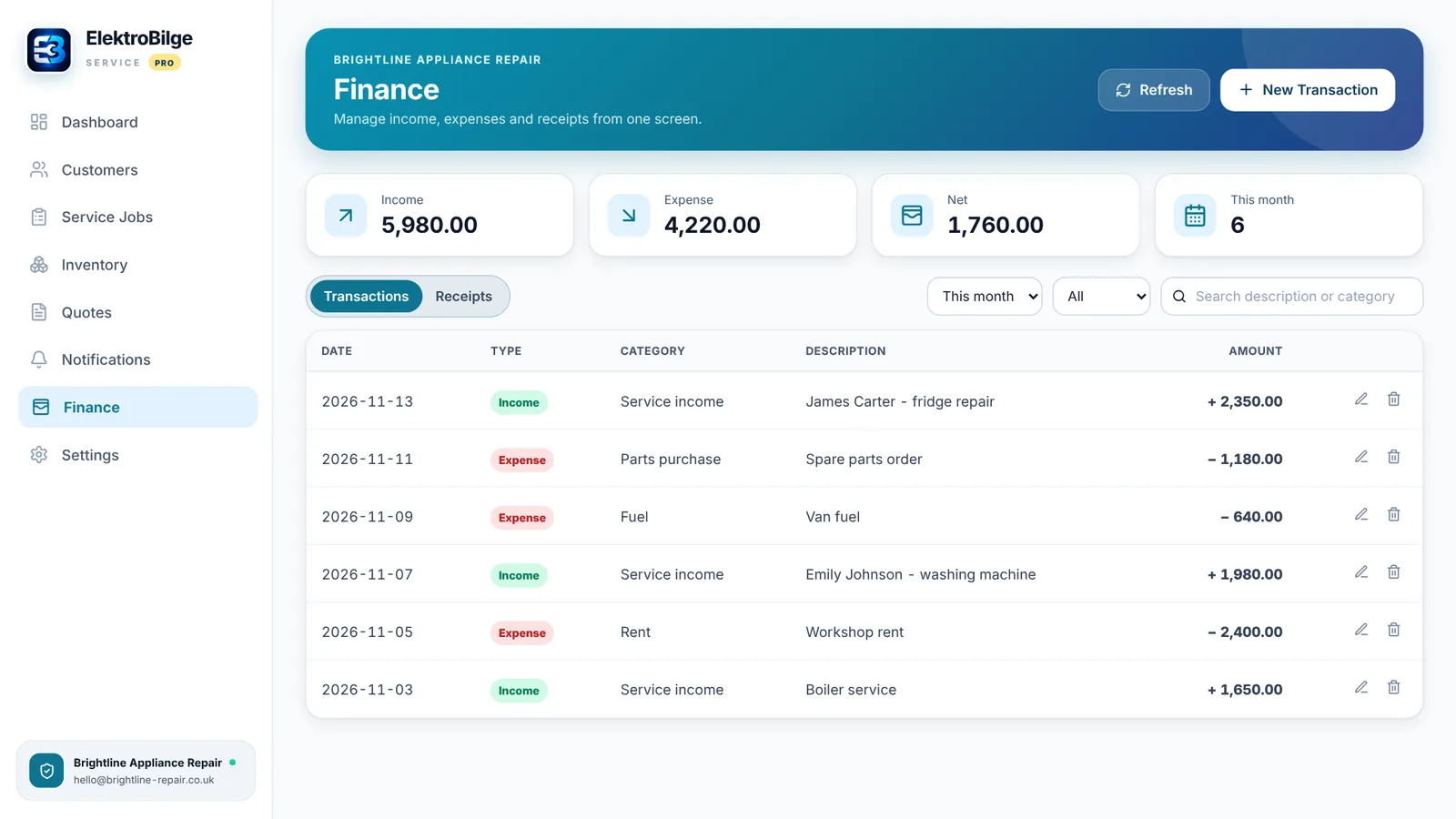
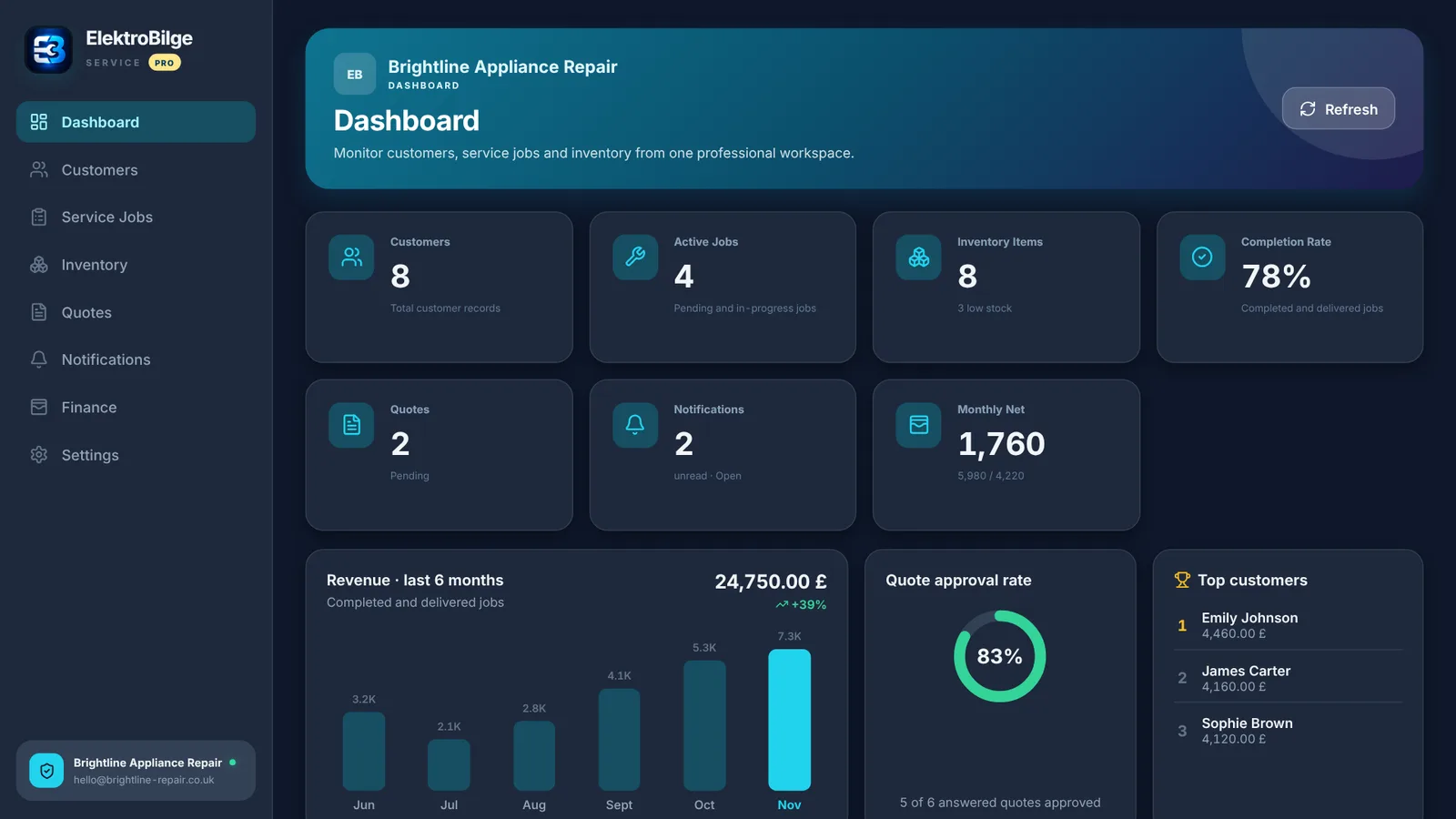
Revenue and finance
Revenue for the last 6 months, quote approval rate, top customers; income, expenses and receipts on desktop.
Instant sync
Phone and computer share the same account; your data is stored securely in the cloud.
Mobile app
iPhone, iPad and Android
Desktop app
Windows (Microsoft Store) · Mac (Mac App Store)
Start free, upgrade to Pro as you grow
Free
- Up to 10 customers
- Service jobs and PDF reports
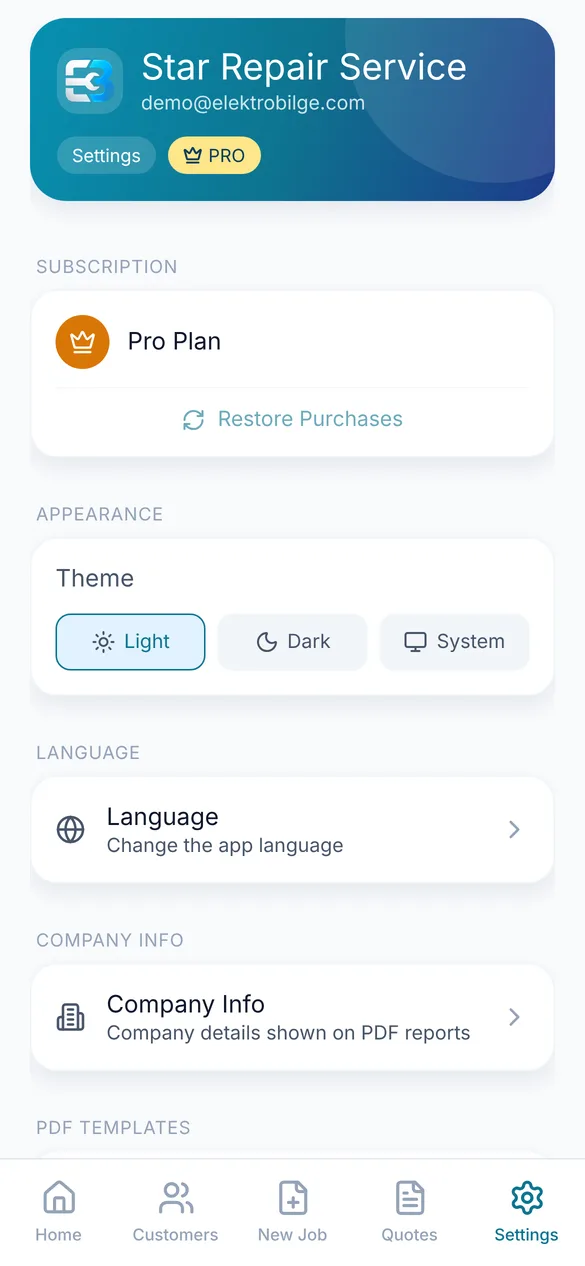
- Light / dark theme, 3 languages
Pro
Monthly or yearly subscription, inside the app
- Unlimited customers
- Quotes with approval tracking
- Inventory management
- Company logo on PDF reports
- Windows and Mac desktop app
Frequently asked questions
How do I use the desktop app?
Download ElektroBilge Service from Microsoft Store (Windows) or the Mac App Store (Mac) and sign in with your mobile app account. The desktop app requires an active Pro membership.
Is there a Mac version?
Yes. ElektroBilge Service is available on the Mac App Store: download it here. Sign in with your mobile app account.
Where is my data stored?
Your data is stored securely in the cloud, linked to your account, and synced between your phone and computer.
Which languages are supported?
The app is available in English, Turkish and German.
Questions? service@elektrobilge.com